
Manage your
Bookna booking
Activate PAXCARD, cancel or reschedule a trip, and find your refund credit.
Go to your bookingLog in to Bookna
Choose the operator listed on your ticket.
Select Log in. Use the mobile number you booked with and enter the one-time password (OTP) sent by text.
What do you need help with?
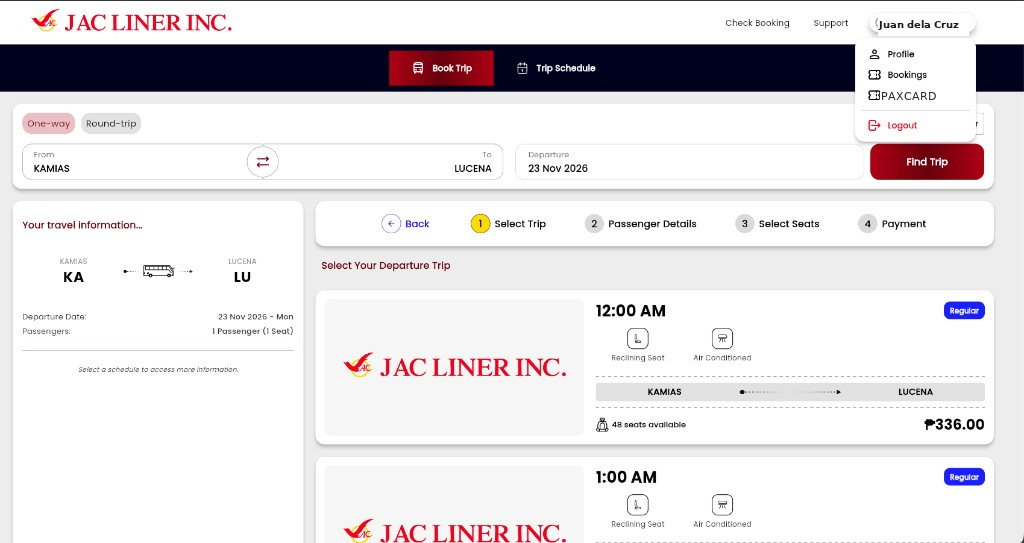
Activate PAXCARD
You need an active PAXCARD membership to cancel a Bookna booking.
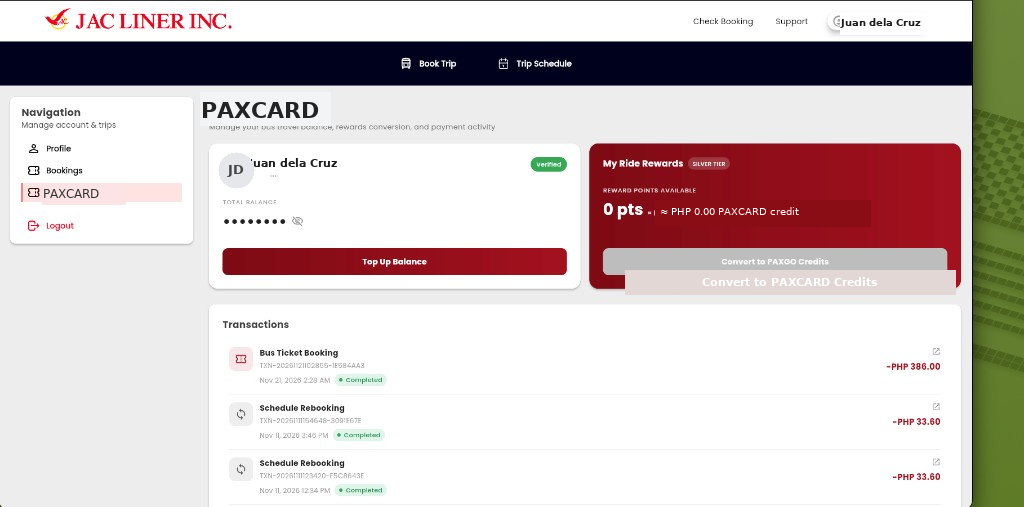
Open PAXCARD from the left navigation menu, select Proceed, and complete your registration. If your membership is active, you can go straight to cancellation.
Cancel a booking
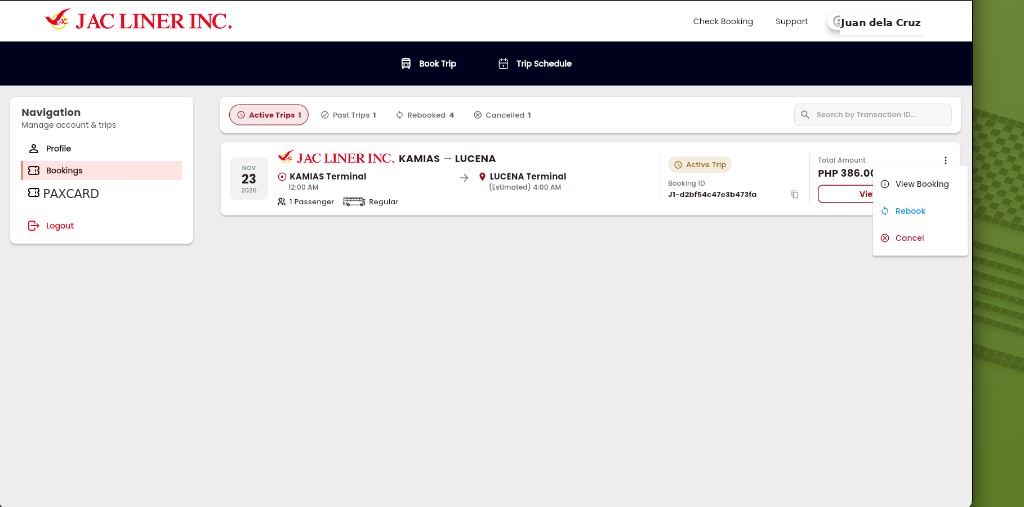
- Go to Bookings → Active Trips and find your trip.
- Open the three-dot menu (⋮) at the upper right of the booking card and choose Cancel.
- Review the cancellation details and any applicable fee, then confirm.
Rebook a trip
You can rebook eligible trips at least 24 hours before departure.
- Go to Bookings → Active Trips and open the three-dot menu (⋮) on your trip.
- Choose Rebook and select a new date or time.
- Review the updated trip details and any applicable fee before confirming.
Check a refund
Eligible refunds are issued as PAXCARD credit. Once your refund has been processed, open PAXCARD → Transaction History to see the credit.